A playable Expeditions map needs exactly two things:
- one expedition
- one deploy zone
That is the entire requirement. documented Not a mission, not an objective, not a reward. And the expedition is allowed to be a Free Roam one, which is the simplest possible kind.
So the smallest map that works is “here is some ground, drive on it”. Build that first. It proves the whole chain works, from editor to pack to deploy, before you invest real time in anything.
Why this order matters#
Packing takes about 25 minutes. If you sculpt for a week and only then try to load the map, every problem you find costs half an hour to test a fix for, and you will have several problems, and you will not know which of a week’s changes caused any of them.
Get to “I can drive on it” on day one. Then every later problem has a short list of suspects: whatever you did since it last worked.
The five steps#
Make the map and give it a shape#
Create a new map in the editor and raise some terrain. Do not make it good. A lumpy field is fine. You want geometry that exists, not geometry you like, because you are testing the pipeline and you will probably throw this away.
Place a deploy zone#
In the map editor, place a zone object where you want trucks to arrive, and give
it an Id. Pick a name without spaces or punctuation, something like
main_deploy. Note it exactly, because the next step has to match it character
for character.
Put it on reasonably flat ground, and sit it slightly above the terrain surface rather than exactly on it. documented Zones that intersect the ground cause collision problems for arriving trucks.
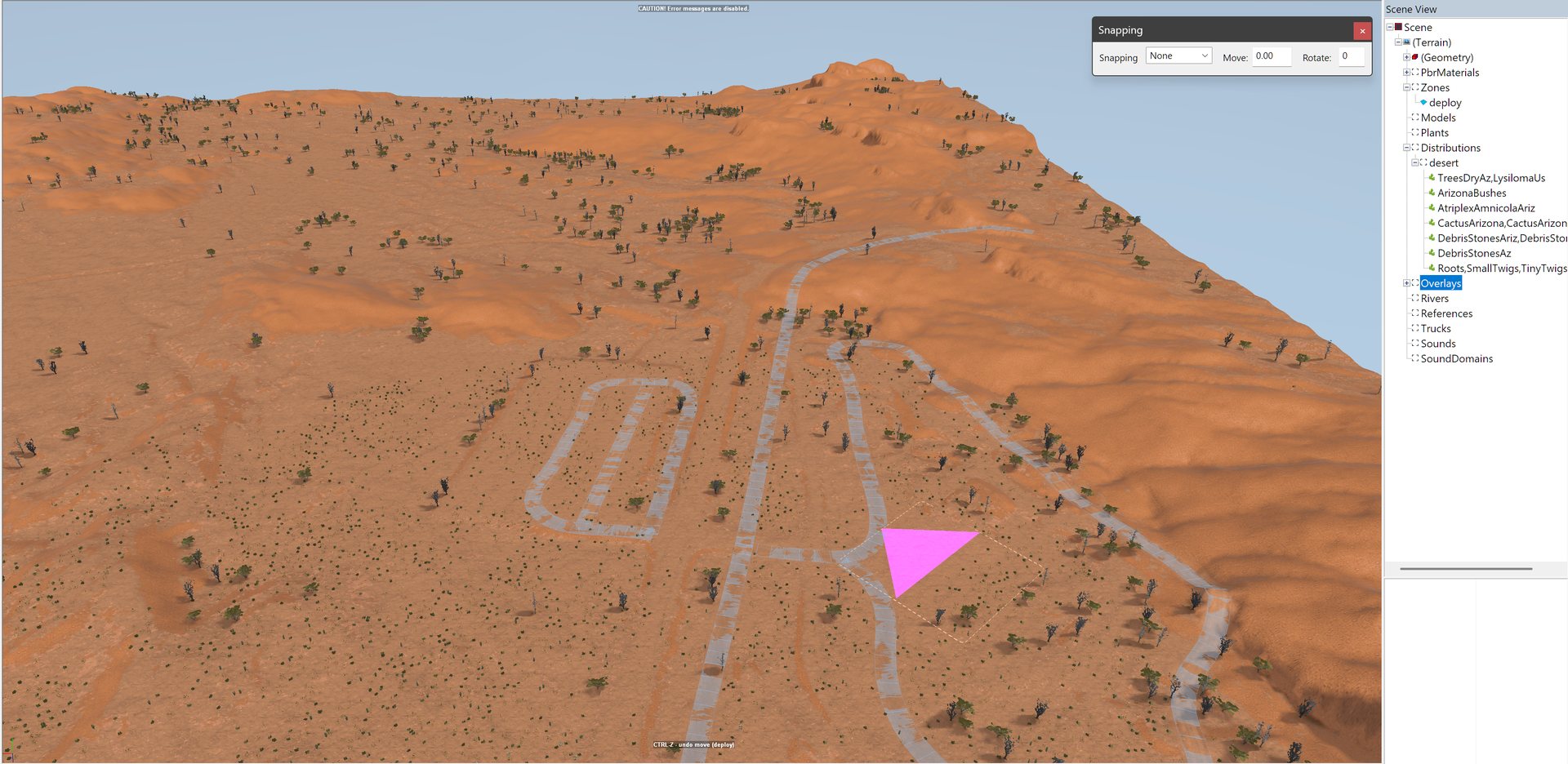
A deploy zone placed on a real-terrain map. The pink marker is the zone, and the Scene View lists it under Zones as deploy.
Tell the game that zone is a deploy point#
Open the zone settings tool. Find your zone by its Id and give it the
ZonePropertyDeploy property. Set:
defaultDeployPointto true, so this is where the player startsmaxTrucksNumto how many trucks can arrive here, 4 is a reasonable start
Leave everything else alone for now. In particular leave zoneDiscoverability
empty, because a zone with no discoverability settings is simply available from
the start, which is what you want.
Add a Free Roam expedition#
Still in the zone settings tool, under objectives, create one record in
contractsSettings:
contractType= 1, which means expedition rather than contractname=Free Roamregion=mod_regionemployer= pick any,ExpeditionsIncis fine- add exactly one stage, and inside it fill in only
freeRoamInfo
In that freeRoamInfo, map is the name of your map’s XML file and uiDesc is
whatever text you want shown while the player roams.
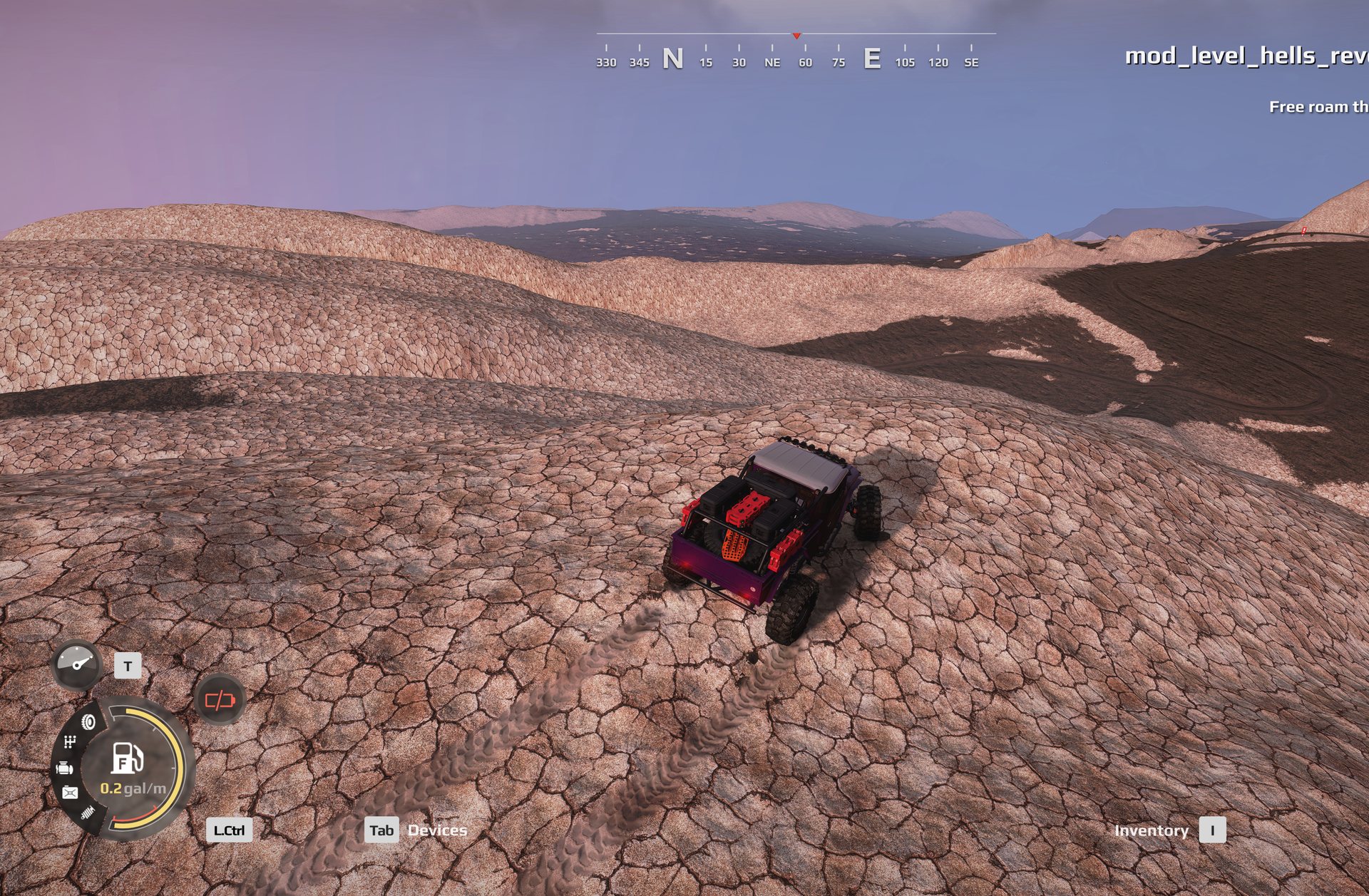
A map built this way, packed and driven in the game as a Free Roam expedition. This one is real slickrock elevation, imported and given a deploy zone and a Free Roam expedition, nothing more.
Save, close, pack#
Save. Close the editor, which is also how your work gets written out. Pack.
Wait the 25 minutes. Then launch the game, find your map under the mod region, pick Free Roam, and deploy.
If it does not appear or does not deploy#
Four causes cover nearly all of it. In order of how often they are the answer:
The map is not in the list at all. You are missing the expedition, or its
contractType is 0 instead of 1. Only an expedition makes a map loadable.
The map lists but Deploy does nothing. You have no deploy zone that the game can find. Either the property is missing, or it was discarded during the pack, or the Id in the zone tool does not match the Id on the object in the scene. That last one is the usual answer, and it is usually a typo or a capital letter.
The map lists, Deploy hangs forever on the loading screen. Something in your settings refers to a zone that does not exist. A reference that resolves to nothing kills the script that picks your starting point, and it does so with no error message, no popup and no log entry. Check every zone name you typed.
The map loads but it is not your map. If you built this by copying another map, it is still claiming that map’s identity. See cloning.
Once it works, stop and take a backup
You now have a known-good map: one that loads, deploys and drives. That is a genuinely valuable thing to be able to return to. Keep a copy of the source before you start changing it.
What next#
You have a working pipeline. From here you can go in any direction, and the order is up to you:
- make the land worth driving on, starting with how terrain works
- give the player something to do, starting with objectives in one page
- add a base, a store and somewhere to refuel with deploy zones and FOBs